Monthly Team Newsletter
Our monthly birthdays and anniversaries email was a document with WordArt and a plain list of names. I turned it into a designed newsletter, and when it paused, people asked for it back.
- Role
- Solo. Design, writing and curation
- Audience
- 168+ staff in the Southwest business unit, across LA, Irvine and Phoenix
- Timeline
- Monthly since early 2025, with one pause
- Status
- Ongoing
- Tools
- Canva, Outlook
 (opens the full size image in a new tab)
 (opens the full size image in a new tab)
 (opens the full size image in a new tab)
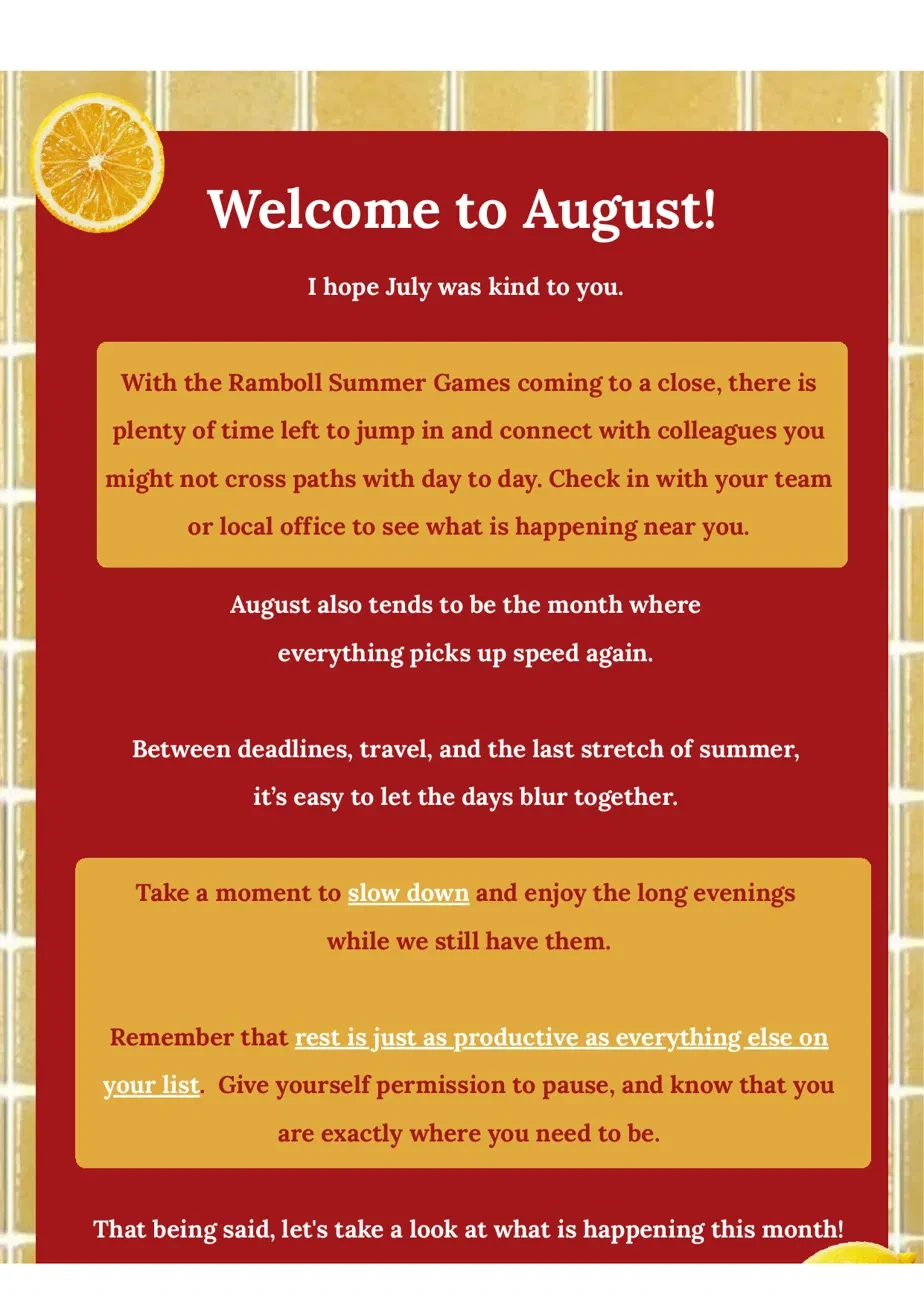
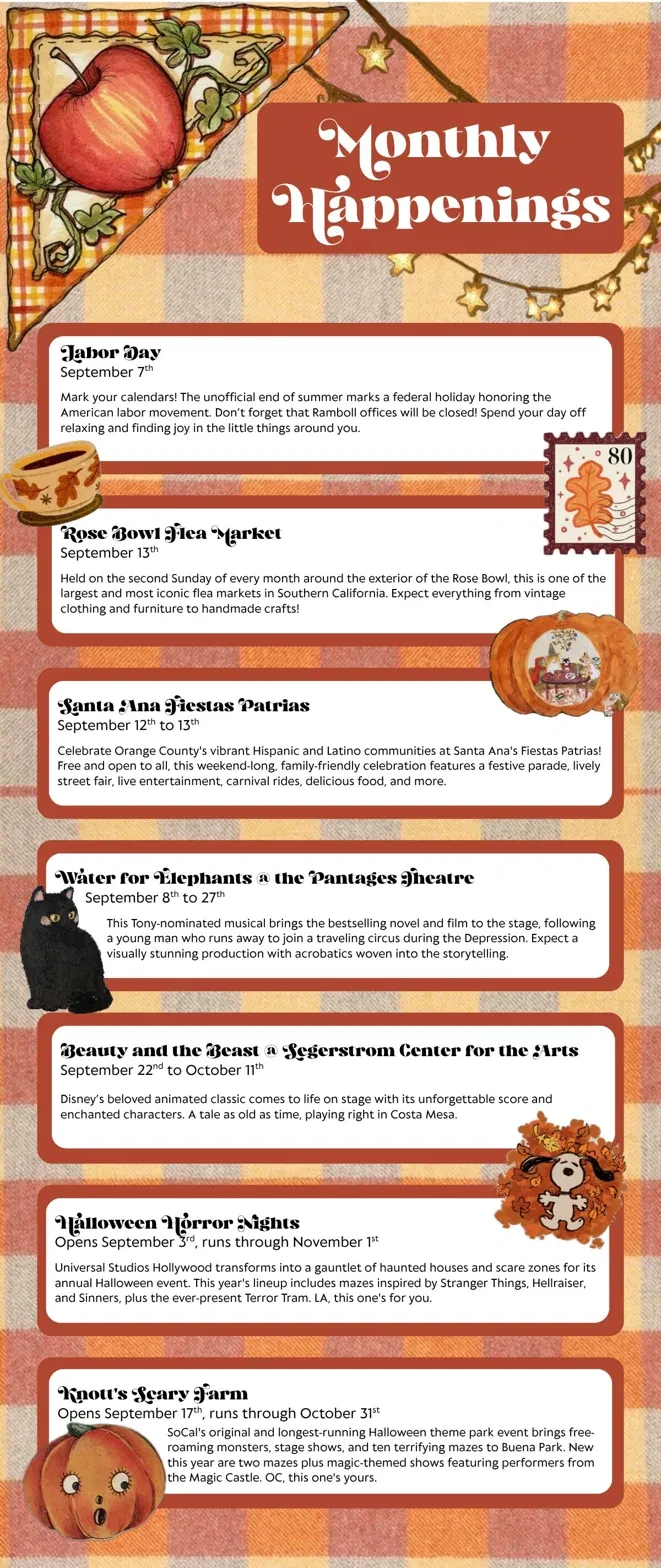
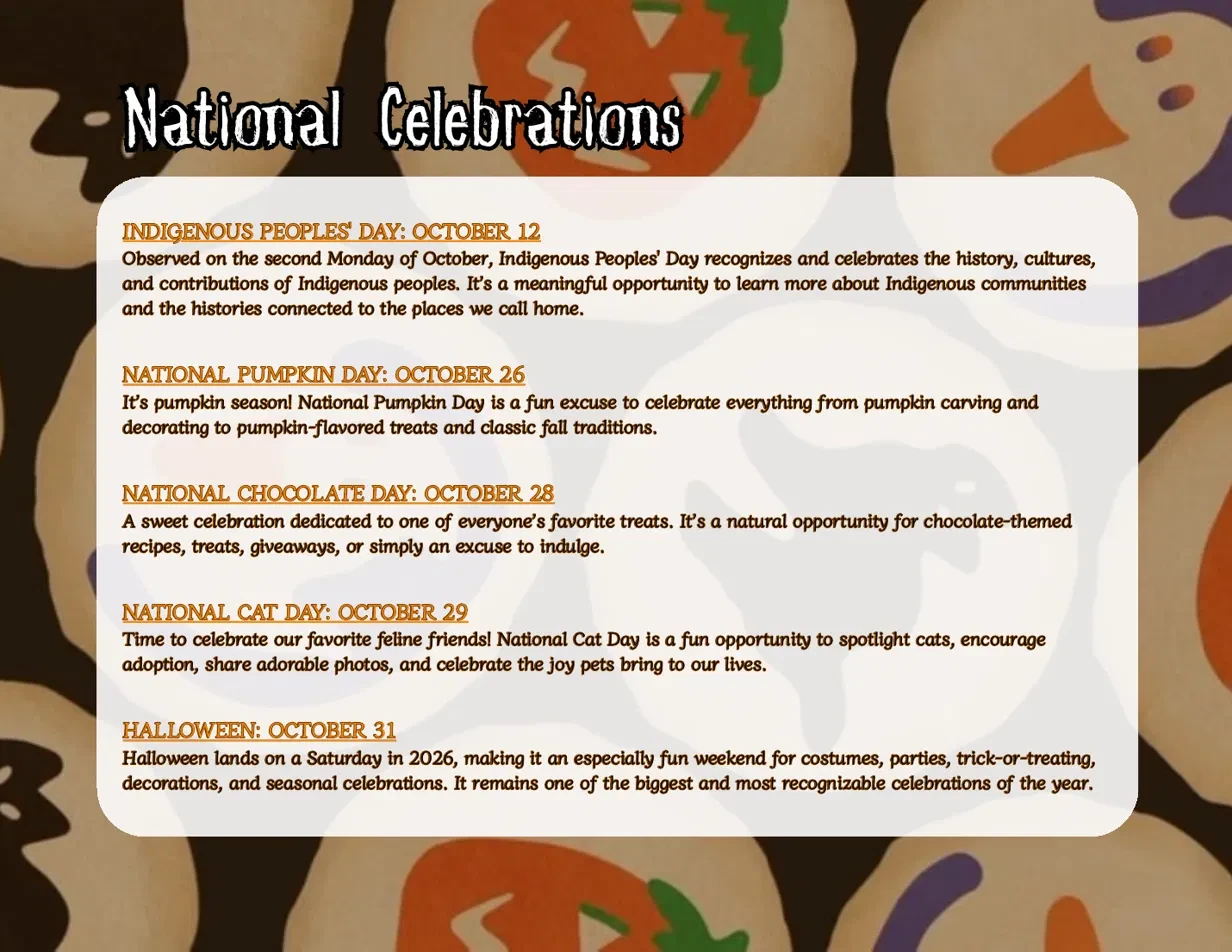
Three months, three themes, one template. Names are left out for privacy.
The Problem
Every month, birthdays and work anniversaries went out as a document with WordArt and plain names. There wasn’t much reason to open it beyond checking for your own name, and most people didn’t pay attention to it.
My part: I design, write and curate every issue, from choosing the theme to building it in Outlook.
From Problem to Decisions
| What I saw | What it meant | What I decided |
|---|---|---|
| The email only listed birthdays and anniversaries. Design Decision | People needed a reason to read past their own name. | A full newsletter with a hello, a look back at last month, company updates, local events, horoscopes, birthdays, anniversaries and a closing. |
| A one-off design is hard to repeat every month. Design Decision | The layout had to be a system, not a single email. | One fixed section order, so readers always know where to find things, with a new theme each month to keep it fresh. |
| Our staff are spread across LA, Irvine and Phoenix, from a lot of different backgrounds. Design Decision | Generic national content wouldn't feel like it was for them. | Local events for each region, plus cultural celebrations like the Chicano Heritage Festival, Fiestas Patrias, Día de los Muertos and the OC Japan Fair. |
| As a local office, we couldn't use the company-wide email tools. Design Decision | It had to work inside plain Outlook. | I design each issue in Canva, export it as images, and place them in a single borderless, light gray, centered Outlook table so it arrives looking like a marketing email. |
What Happened
People liked it. When the newsletter paused for a while, coworkers asked my manager to bring it back, and she asked me to restart it during my performance review. I still get emails from people saying they love it.
What I’d Change
I thought about alt text but didn’t add it. Because each issue is built from images, anyone using a screen reader, or anyone whose Outlook blocks images, gets an email with nothing to read. Next, I’d add alt text to every image and move the key details (names, dates and events) into live text in the table, so the newsletter works with or without images. I’d also check contrast on the busier pages.